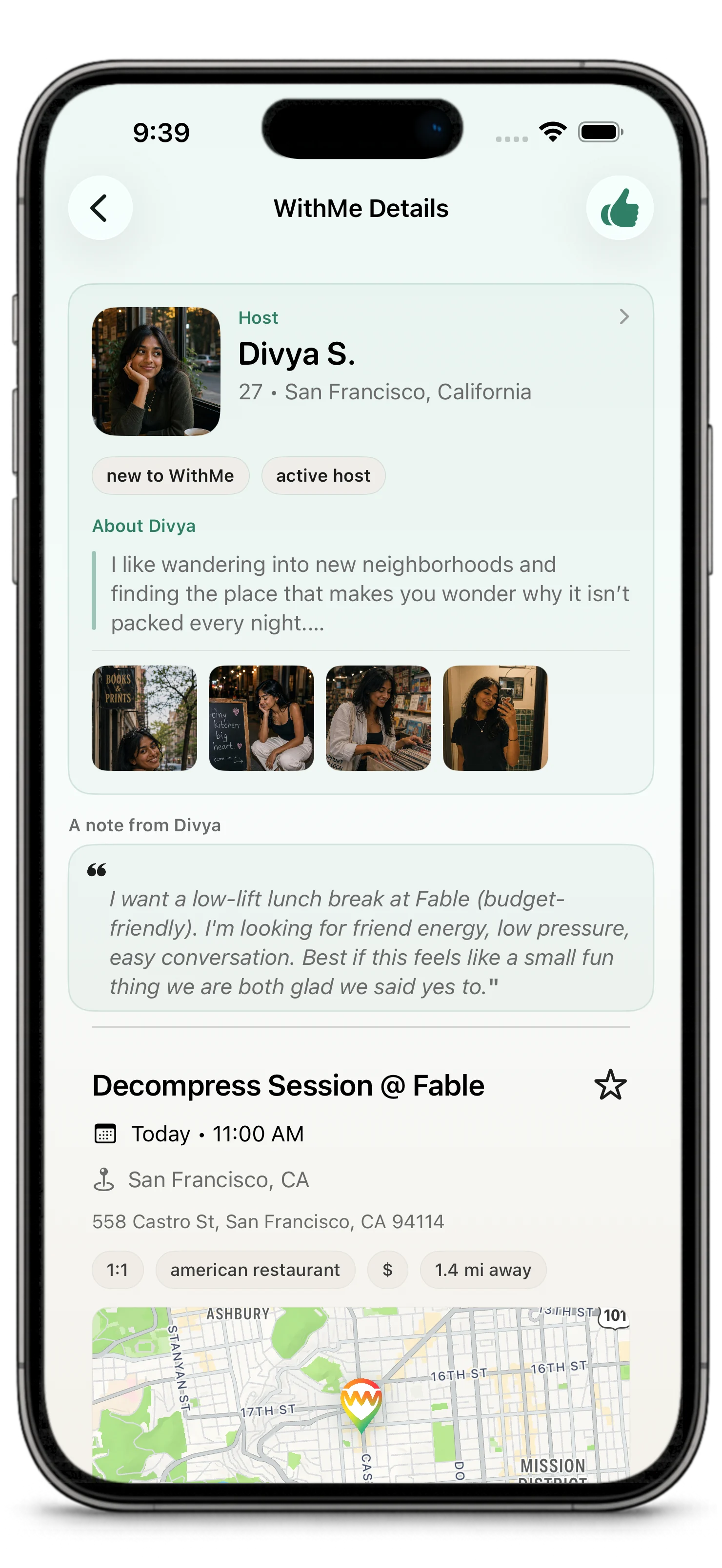
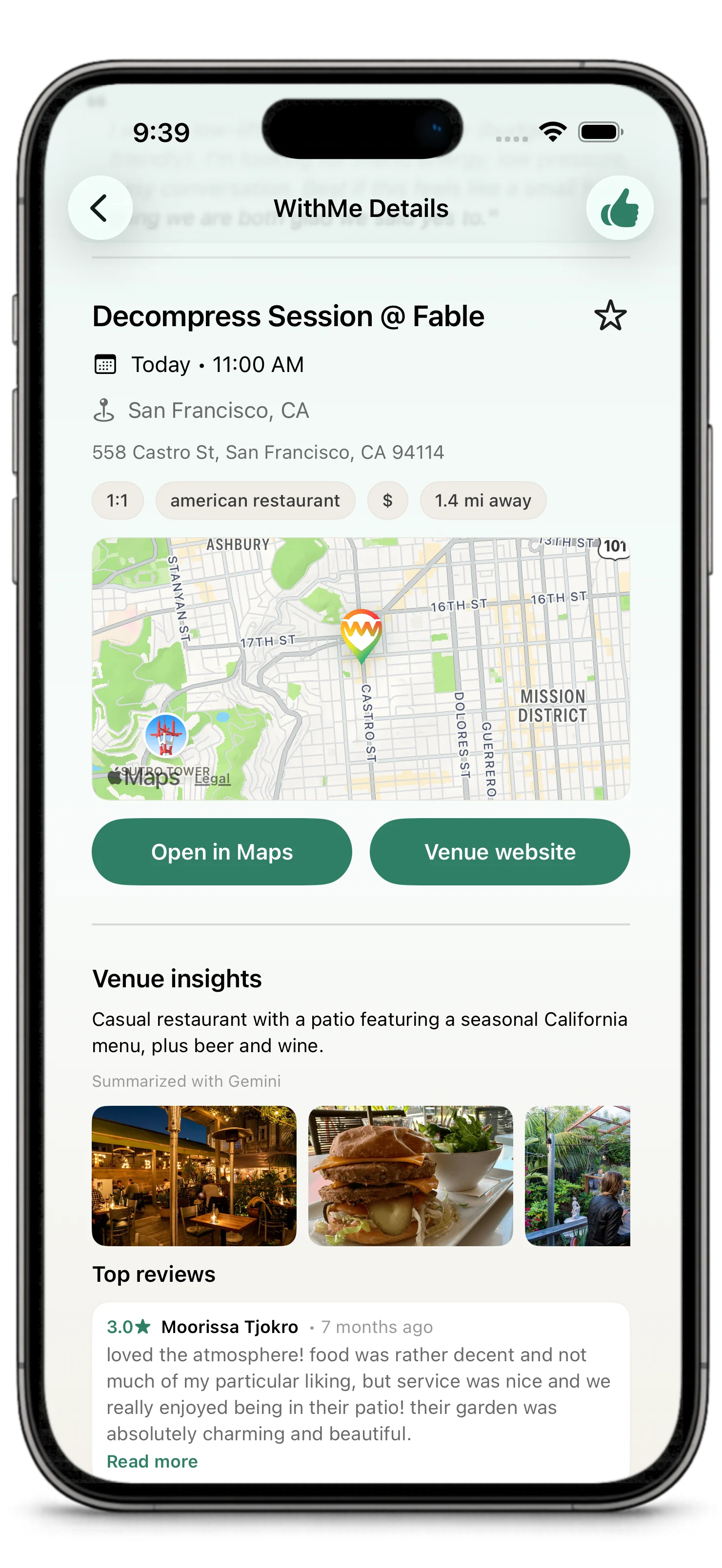
Real plans need a little momentum after everyone says yes.
Chat, Inbox, notifications, and updates keep important WithMe activity visible so coordination does not disappear into memory or scattered side conversations.
Chat
Chat is for coordination around a confirmed WithMe.
Use chat to:
- confirm timing
- ask practical questions
- clarify where to meet
- share relevant updates
- keep the plan comfortable and clear
Chat should support the plan. It should not become a pressure tool or a place to ignore boundaries.
When Chat Appears
Chat opens when a WithMe is committed: the host has selected the guest or guests, and the plan is confirmed.
Before confirmation, people can express interest and hosts can review interested guests, but chat is not the main coordination surface yet.
After the WithMe is done or no longer active, chat closes for new messages. Completed, cancelled, expired, disputed, or no-show plans may still show conversation history, but they are not open for normal coordination.
After a WithMe
After a WithMe is completed, participants may be encouraged to review the venue.
That feedback helps the community understand which places work well for real plans. It can also help WithMe improve venue ratings, recommendation reasons, and future suggestions in places like For You.
This is part of the community loop in WithMe: create or join a plan, go together, review the venue, and help the next person choose with more confidence.
Venue reviews are about the venue and the plan setting. They are not the same as reporting a person or rating another participant.
Inbox
Inbox gathers important WithMe activity.
It may include:
- new messages
- host-decision nudges
- plan updates
- items that need attention
- activity on active or recent WithMes
Use Inbox when you want to catch up quickly instead of hunting through every plan.
WithMes Area
The WithMes area is the home for your plans.
It helps you find:
- plans you are hosting
- plans where you expressed interest
- confirmed plans
- completed or past plans
- venue-rating actions after completed plans
Next 7 Days is the agenda view inside WithMes. It groups near-term WithMes by day so you can quickly see confirmed plans, open WithMes you are hosting, host decisions, and interests that land in the next 7 days.
If Inbox is about activity, WithMes is about the plans themselves.
Timing and Decisions
WithMe is built for near-term plans. New WithMes must start at least 3 hours from now and no more than 7 days from now.
For open plans, interest and host choice generally close 1 hour before the plan starts. If you are hosting, make a decision before that window closes. If you are interested in joining, express interest while the WithMe is still open.
If you expressed interest and the host has not decided yet, the app may let you send one nudge for that WithMe. A nudge is a single reminder to the host; it is not a chat message and it is not repeatable for the same interest.
Notifications
Notifications can bring you back to:
- chat threads
- WithMe details
- Inbox updates
- create or plan actions
- important timing reminders
You can manage notification preferences from settings. Read more in Notifications.
Keeping a Plan Moving
Good coordination is simple:
- answer when a plan needs you
- keep messages relevant
- say something if your availability changes
- use plan actions instead of burying important changes in chat
- report or block behavior that crosses a line