Fast answers for the WithMe basics: what a plan is, how interest works, when chat opens, what hosts decide, and how the app keeps real-world plans moving.
What is a WithMe?
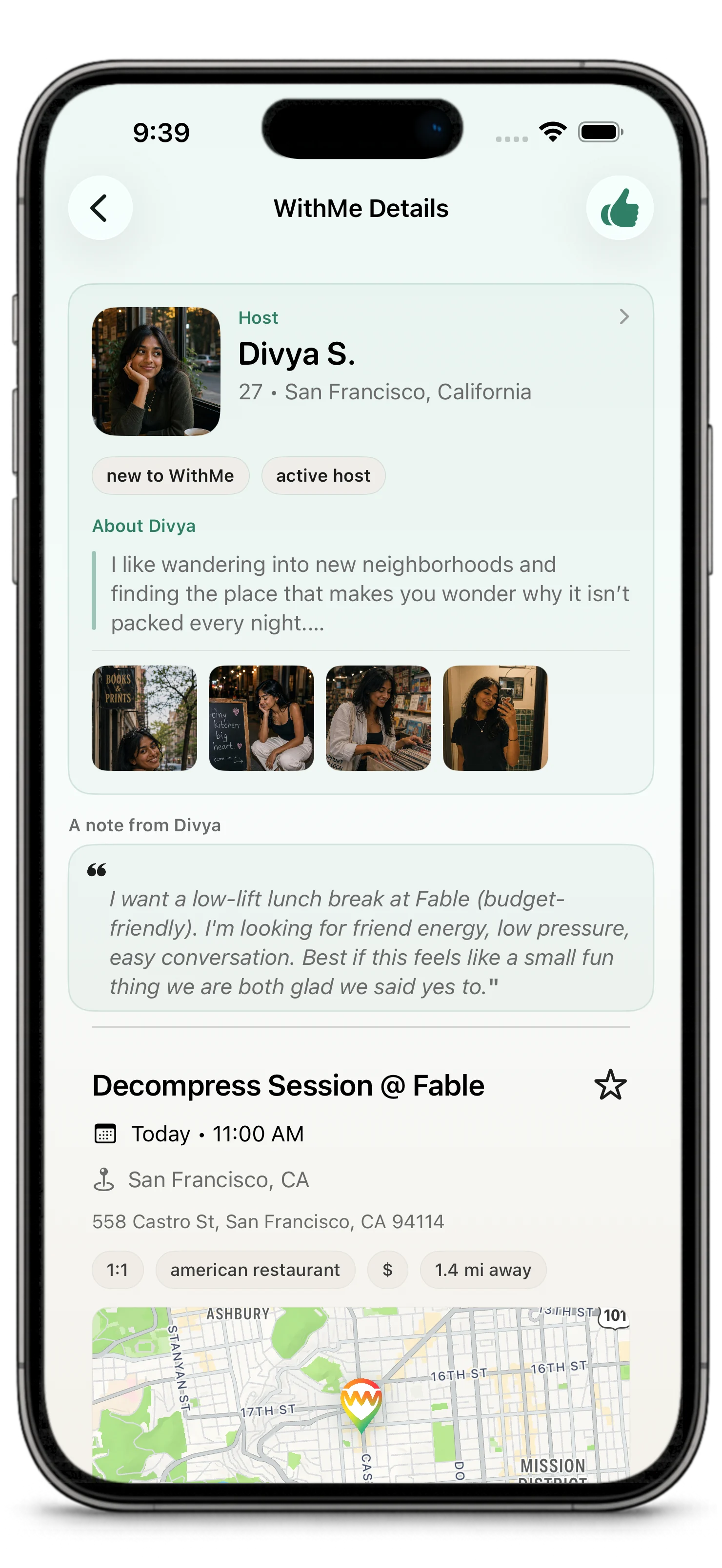
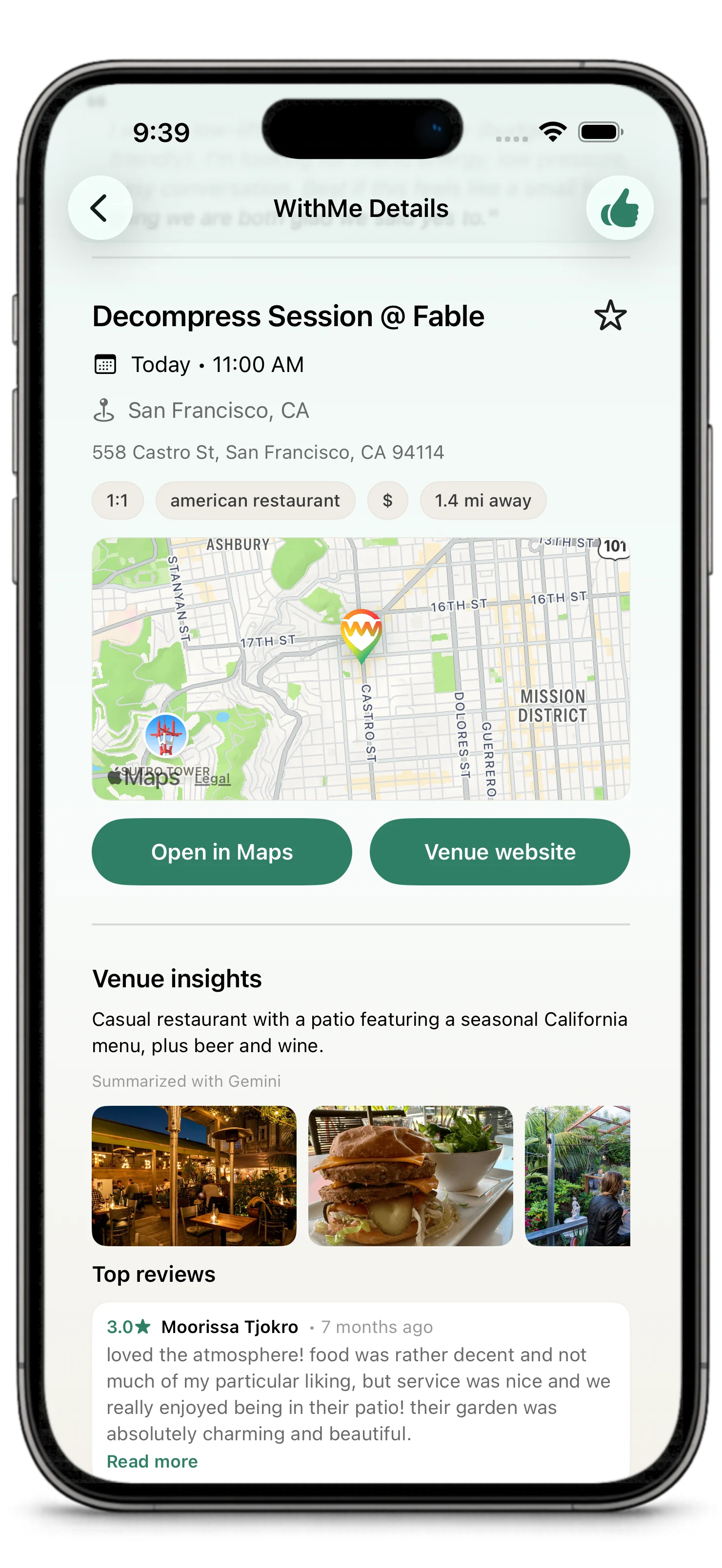
A WithMe is a real-world plan. It has a host, venue, time, visibility setting, and plan context.
Is WithMe for dating or friends?
It can be used for both, depending on the plan's intent and the people involved.
The important part is that the plan should be clear about context so people know what they are expressing interest in.
What is the difference between public and private?
Public WithMes can appear in discovery surfaces for eligible people.
Private WithMes are invite-led and can be shared through a secure WithMe app link.
What is a secure app link?
A secure app link is an invite link that opens a private WithMe in the app and carries the invite context with it.
It helps invited people reach the plan without making the plan broadly discoverable.
If I express interest, am I confirmed?
No.
Interest tells the host you want to join. The host still chooses who joins.
If the host chooses me, do I need to accept again?
No.
Host selection confirms the WithMe. Selected guests do not have to confirm a second time.
When can I create a WithMe?
WithMes are near-term plans. New WithMes must start at least 3 hours from now and no more than 7 days from now.
What is Next 7 Days?
Next 7 Days is the agenda view inside WithMes.
It shows upcoming WithMe activity in the near-term window, including confirmed plans, open WithMes you are hosting, host decisions, and WithMes where you expressed interest.
When does interest close?
Interest and host choice generally close 1 hour before the plan starts.
If you want to join, express interest while the WithMe is still open. If you are hosting, choose who joins before the selection window closes.
What is a nudge?
A nudge is a lightweight reminder from an interested guest to the host.
If you expressed interest in an open WithMe and the host has not chosen yet, you may be able to send one nudge asking the host to make a decision.
Can I nudge more than once?
No.
You can send one host-decision nudge per WithMe you are interested in. Once you have nudged that host for that WithMe, you cannot keep sending more nudges for the same interest.
When does chat open and close?
Chat opens after the host selects the guest or guests and the WithMe is confirmed.
Chat closes for new messages after the WithMe is done or no longer active, such as when it is completed, cancelled, expired, disputed, or marked as a no-show situation. You may still be able to see conversation history.
Can I express interest in a WithMe outside my city?
If you can see the WithMe, you can usually express interest.
Location and preferences can affect ranking or recommendations, but visible plans are not supposed to be blocked only because every preference or city detail does not line up perfectly.
What is For You?
For You is a recommendation surface for suggested people, plans, venues, and favorites.
It helps when you want to go out but do not know where to start.
It can show People you might want to go with, Places you might like, and saved favorite venues.
How does For You choose suggestions?
From a user perspective, For You uses signals like your profile, preferences, location, place interests, shared interests, host reliability, venue fit, ratings, recent WithMe activity, and timing.
The reasons shown on cards are there to explain why something may be worth a closer look. They are not guarantees that the suggestion will be perfect.
What are Favorites?
Favorites are venues you save for later.
Use them to keep track of places you might want to use for future WithMes. A favorite venue can become a faster starting point when you want to create a plan.
What is Iyo?
Iyo is WithMe's in-app concierge for real plans.
Iyo is a guided product agent, not a generic chatbot. She helps with the WithMe context in front of you, such as thinking through a plan, improving a note, understanding a venue, drafting a message, or deciding on a next step.
What happens after a WithMe is confirmed?
Participants can coordinate through the available plan details, chat, updates, and notifications.
The app helps keep the plan visible and moving toward the real-world meetup.
What happens after a WithMe is over?
Chat closes for new messages after the WithMe is done or no longer active. You may still be able to see the plan and conversation history.
For completed WithMes, participants may also be encouraged to review the venue.
Why should I review the venue?
Venue reviews help the community understand which places work well for real WithMes.
They are part of the community loop: create or join a WithMe, go somewhere real, share venue feedback afterward, and help the next host or guest choose with more confidence.
They can also help WithMe improve venue ratings, explain suggestions, and recommend better places in For You. A venue review is about the place and how well it supported the plan, not about publicly rating another participant.
Can plans be cancelled or changed?
Plans can change. Use the actions available in the app so important changes are visible in the WithMe itself, not only buried in chat.
How do I report someone or block them?
Use the reporting or blocking controls available from the relevant profile, WithMe, chat, or settings surface.
Give clear details when reporting so the issue can be reviewed.
Does WithMe guarantee people will show up?
No.
WithMe helps create clearer plans, better context, host choice, reminders, and coordination. It cannot guarantee turnout, chemistry, compatibility, or safety.
Why does WithMe care about venues?
A real venue turns a vague idea into a concrete plan.
The venue gives people context: where the plan is, what kind of experience it is, and whether it feels right for them.
After completed WithMes, venue reviews can make that context better for everyone by turning real plan experiences into better community signals.
Where do I manage notifications?
Use Profile or Settings to manage notification preferences.
You may also need to check your device notification settings.
Still Learning WithMe?
- Start with What is WithMe?
- Set up with Getting Started
- Review safety expectations in Trust, Safety, Blocking, and Reporting